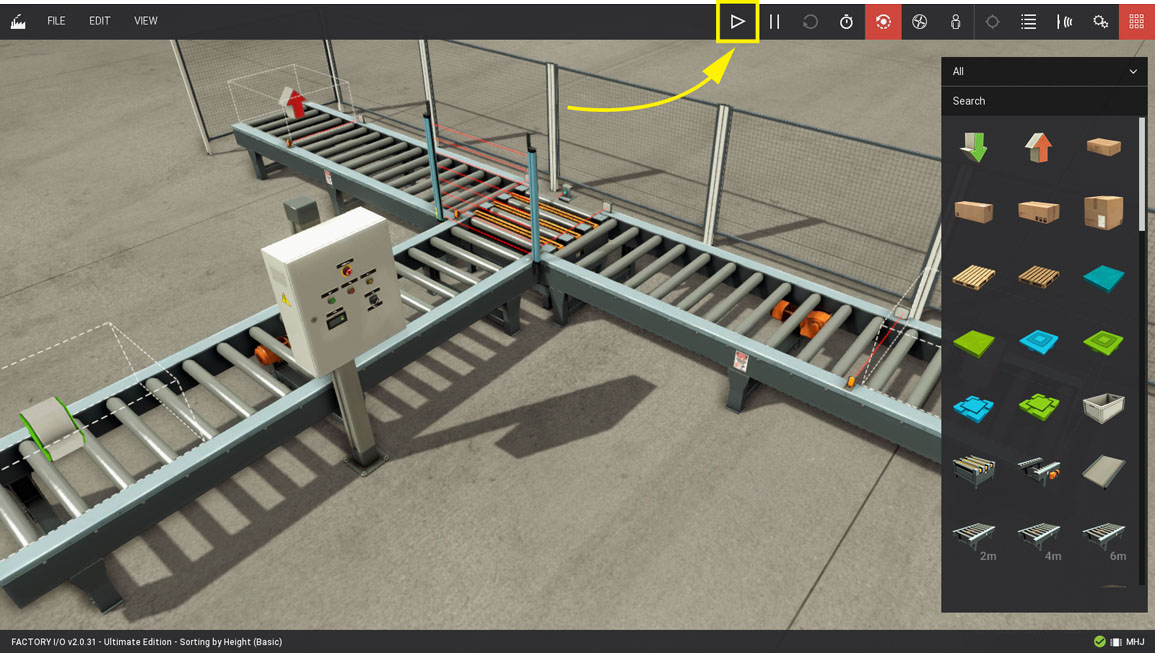
Sorting by Height with WinSPS-S7
Requirements
- MHJ Edition or Ultimate Edition
- WinSPS-S7
Downloads
This sample provides you with a WinSPS project ready to control the Sorting by Height (Basic) scene.
-
Download the zip archive (top of this page), extract it and open the project in WinSPS-S7.
-
Set WinSPS-S7 mode to Target: Simulator
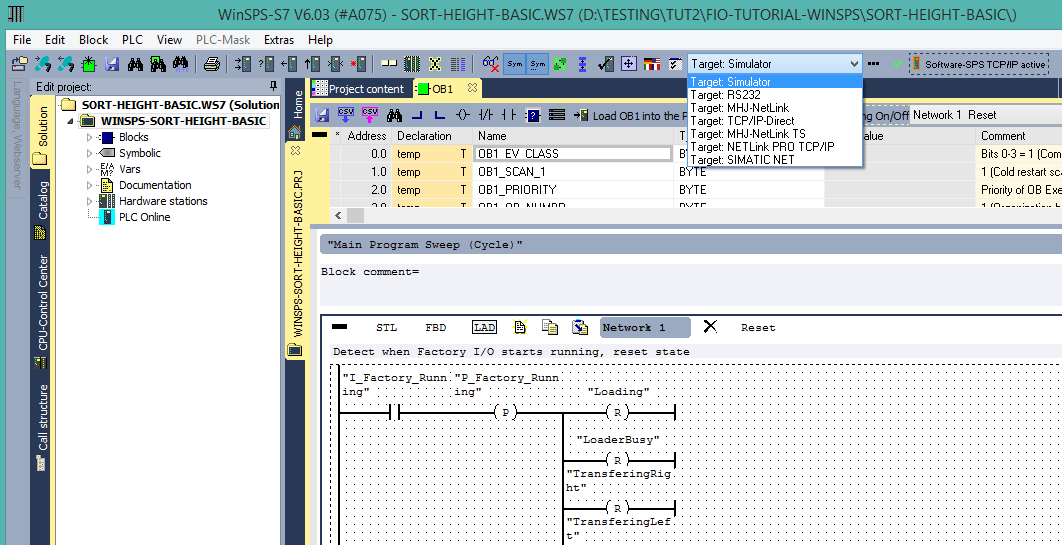
-
Transfer the blocks to the simulator by pressing Send all blocks under the PLC menu.
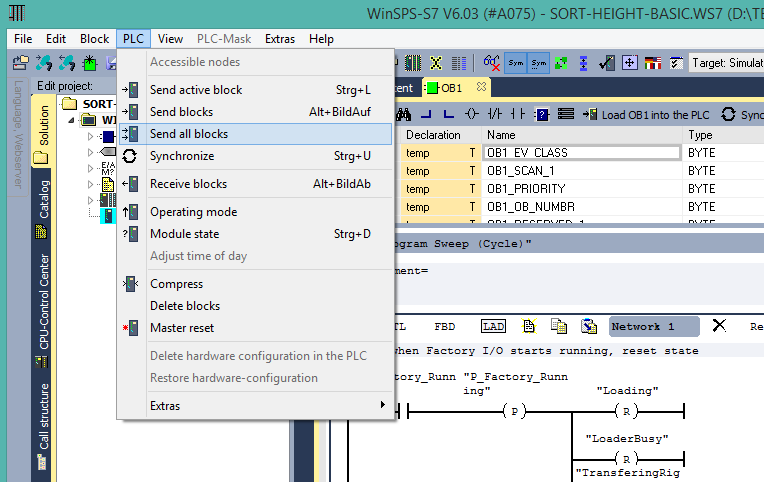
-
Switch the simulator to RUN mode.
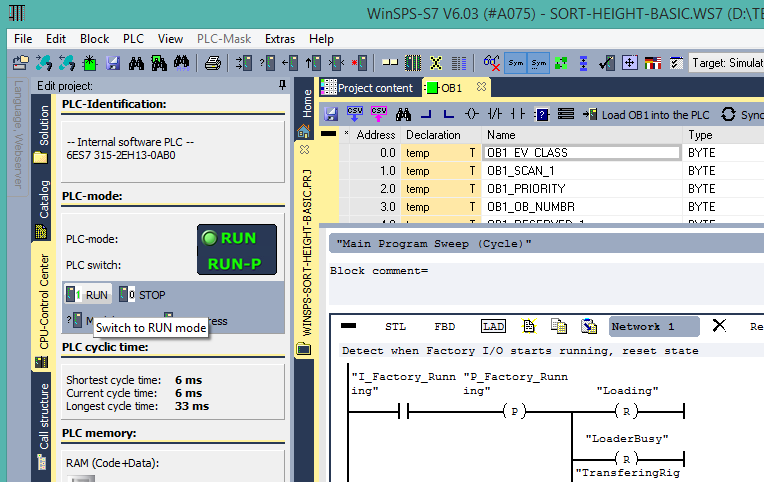
-
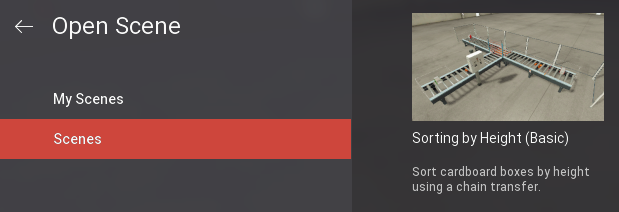
Start Factory I/O, press Ctrl+O, select Scenes on the left panel and open the Sorting by Height (Basic) scene.
-
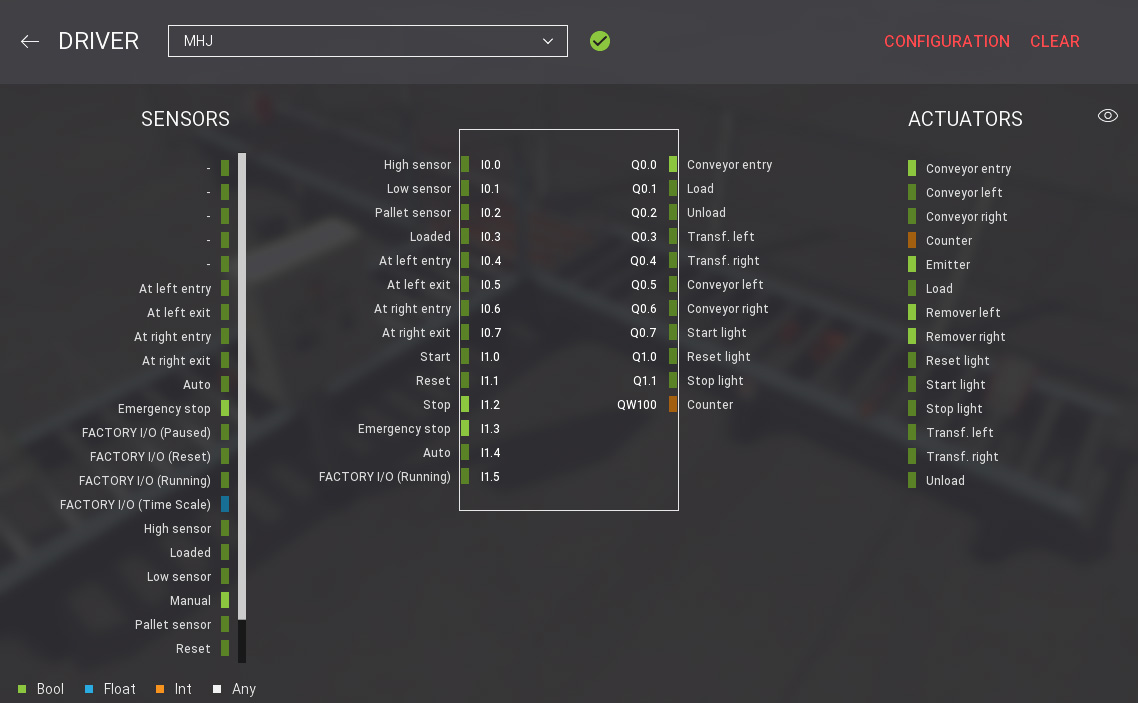
Press F4 to open the Driver window. Select MHJ from the driver drop-down list.
-
Finally, switch to Run mode.